


HIPAA Compliant Patient Portal on WordPress: The 2026 Build Guide
HIPAA Compliant Hosting · https://hipaacomplianthosting.com/blog/hipaa-compliant-patient-portal
Last updated: August 5, 2026
A patient portal can run on WordPress and meet HIPAA in full. The deciding factor is not a plugin. It is the architecture: hosting that signs a Business Associate Agreement (BAA), encryption, controlled logins, and audit logs. Practices ask for a HIPAA compliant patient portal more than almost any other build. The portal is where the most sensitive work happens: documents, messages, and histories, all behind a login. That makes every piece of it electronic protected health information (ePHI). This guide covers the three ways to get a portal, what a WordPress build actually needs, and the plugin question everyone asks first and should ask last.
TL;DR: Quick answer
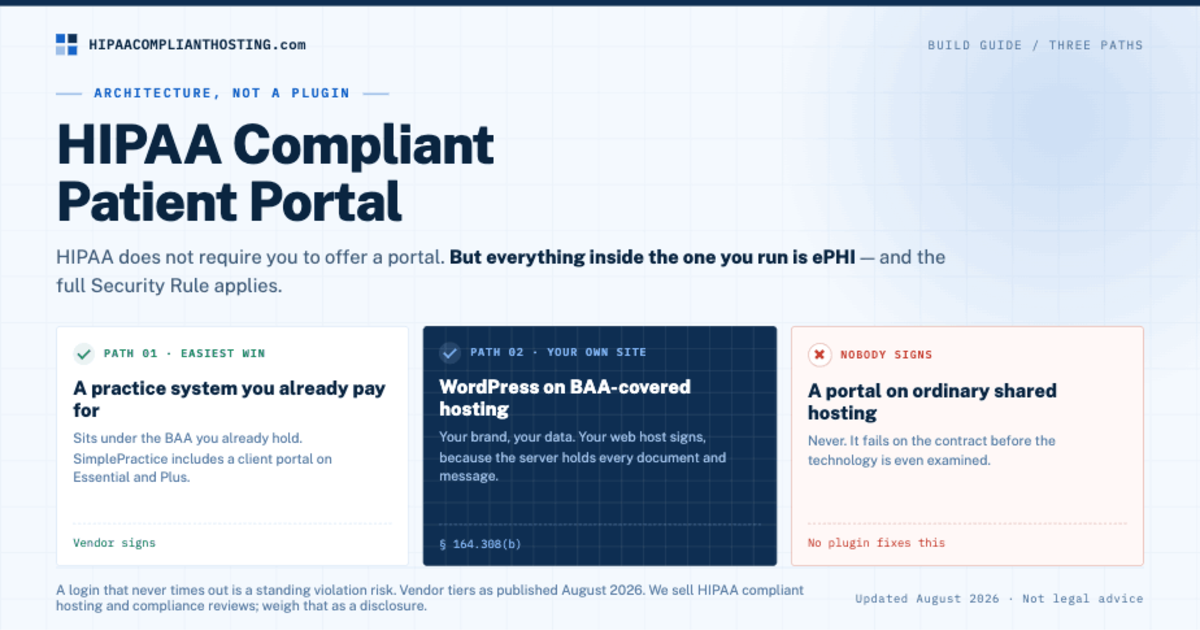
HIPAA does not require you to offer a portal. But if you run one, everything in it is ePHI and the full Security Rule applies.
Three paths to a HIPAA compliant patient portal: a practice system you already pay for, a WordPress build on BAA-covered hosting, or a dedicated portal product. Each path has its own BAA signer.
No WordPress plugin makes a portal compliant by itself. Plugins run on your server, so your host signs the BAA and your setup does the securing.
The non-negotiables: BAA hosting, encryption in transit and at rest, unique logins with MFA, automatic logoff, audit logs, and secure document storage.
A portal login that never times out is a standing violation risk. Automatic logoff is a named safeguard (45 CFR § 164.312(a)(2)(iii)).
What counts as a patient portal, and why it is all ePHI
A portal is any logged-in area where patients see or send their own health information. Intake packets. Test results. Secure messages. Invoices with treatment context. Appointment histories. Every one of those ties an identity to care. That is the definition of PHI (45 CFR § 160.103). So the portal cannot sit on ordinary hosting, even if the rest of the site could. The login wall does not change that. It raises the stakes. A portal packs records into one place. One weak admin password now guards hundreds of charts. That is exactly why a HIPAA compliant patient portal is worth building right.
The three ways to get one
Here is how the paths to a HIPAA compliant patient portal compare.
Path | Who signs the BAA? | Best for |
|---|---|---|
Portal inside a practice system (SimplePractice and similar) | The practice-system vendor | Practices already paying for one; messaging and intake come built in |
WordPress build on BAA-covered hosting | Your web host | Practices that want the portal on their own site, their own brand, their own data |
Dedicated portal product | The portal vendor | Larger clinics with EHR integration needs |
Any portal on ordinary shared hosting | Nobody | Never; fails on the contract before the tech |
The first path is the easiest win. If you already pay for a practice system, check its plan tier. SimplePractice, for example, includes a client portal with secure messaging on its Essential and Plus plans. It sits under the BAA you already hold. A portal built into a cloud EHR falls under that vendor's BAA too; for a self-hosted EHR, see HIPAA compliant EHR hosting. If you would rather build the portal as a custom app on a developer platform such as Heroku or Vercel, the same BAA-signer question is answered vendor by vendor in HIPAA compliant app hosting. The second path is the one this guide builds out. It is the one people search for, and the one most often done wrong.
What a WordPress patient portal actually needs
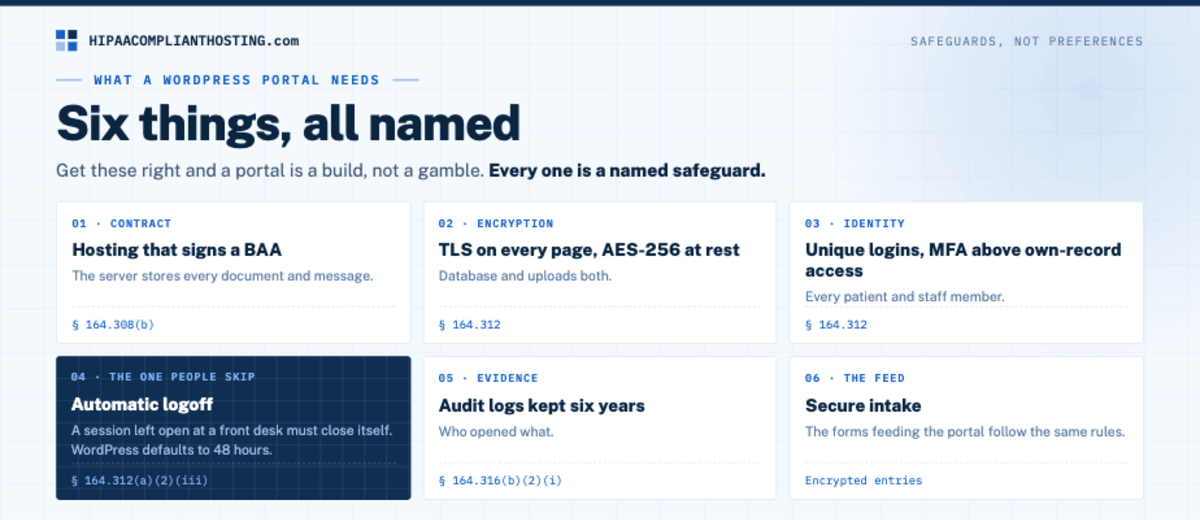
Every requirement below is a named safeguard, not a preference. First, hosting that signs a BAA. The server stores every document and message (45 CFR § 164.308(b)). Second, encryption: TLS on every page and AES-256 at rest for the database and uploads. Third, unique logins for every patient and staff member. Add MFA on any account that can see more than its own record. Fourth, automatic logoff. A portal session left open at a front desk must close itself (45 CFR § 164.312(a)(2)(iii)). The timeout rules are covered in our guide to HIPAA automatic logoff requirements. Fifth, audit logs that record who opened what, kept six years (45 CFR § 164.316(b)(2)(i)). Sixth, secure intake. The forms feeding the portal follow the same rules, covered in HIPAA compliant WordPress forms. Get those six right and a HIPAA compliant patient portal on WordPress is a build, not a gamble. Portals that serve pediatric patients need proxy access rules; the legal side is in minors sign HIPAA forms.
The plugin question, answered honestly
People search for a HIPAA compliant patient portal plugin the way they search for a compliant form plugin. The honest answer is the same for both. A self-hosted plugin never sees your data. It runs on your server. So the plugin vendor has nothing to sign, and no plugin purchase makes you compliant. Membership and client-portal plugins can supply the login walls and document areas. Your hosting supplies the BAA, the encryption, and the logs. That is the same logic behind is WordPress HIPAA compliant. The software is fine. The setup around it decides. Judge any portal plugin on what it controls. Session handling. Role separation. Whether documents can be stored encrypted. Then judge your host on everything else. If your portal runs on Payload, our guide to whether Payload CMS HIPAA compliant apps are possible covers the access rules it needs.
Where portal projects go wrong
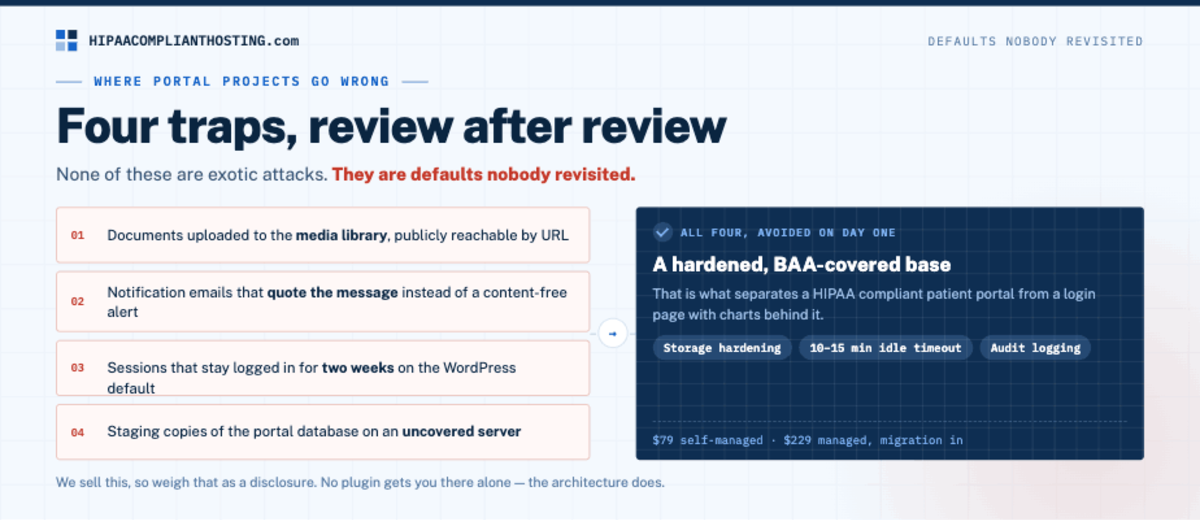
Four traps show up in review after review. Documents uploaded to the media library. WordPress leaves those publicly reachable by URL unless you lock it down. Portal notification emails that quote the message ("Your results are ready: ...") instead of a content-free alert. Sessions that stay logged in for two weeks because nobody changed the WordPress default. And staging copies of the portal database sitting on an uncovered server. None of these are exotic attacks. They are defaults nobody revisited. A build that starts from a hardened, BAA-covered base avoids all four on day one. That is what separates a HIPAA compliant patient portal from a login page with charts behind it. The backup and restore side of the build is covered in HIPAA backup and disaster recovery.
If you want the portal without the gamble
This is the build we do most often for therapists and small practices. Read this as the vendor talking. Our HIPAA compliant WordPress hosting gives a portal the base it needs. That means the signed BAA, encryption at rest, a web application firewall, audit logging, and encrypted backups. Plans start at $229 per month; a team with its own WordPress developer can pick the tier that matches. Every plan includes 4 hours of migration and configuration. We configure the logoff, logging, and storage hardening as part of the build. Practices running therapy portals can start with HIPAA compliant hosting for therapists. We sell this, so weigh it as a disclosure. Tell us what your portal needs to do and you will get an architecture answer, not a pitch.
Frequently asked questions
Does HIPAA require a patient portal?
No. HIPAA requires you to give patients access to their records on request. A portal is one easy way to do it. If you do run a portal, everything inside it is ePHI and the full Security Rule applies.
Can WordPress run a HIPAA compliant patient portal?
Yes. WordPress can run a HIPAA compliant patient portal. It supplies the login walls and document areas. Compliance comes from the setup: BAA-covered hosting, encryption, unique logins with MFA, automatic logoff, and audit logs. The software is capable; the setup decides.
Is there a HIPAA compliant patient portal plugin?
No plugin is compliant by itself. Self-hosted plugins never receive your data, so your host signs the BAA and your setup does the securing. Pick plugins for their session, role, and storage controls, then harden the base under them. An AI chat add-on also needs a BAA for the model service, and that decides where a patient chatbot can run.
What is the cheapest way to get a compliant portal?
Check the practice system you already pay for. SimplePractice and similar tools include a client portal under their existing BAA on qualifying plans. If you need the portal on your own site and brand, a WordPress build on BAA hosting is the direct route.
How long can a portal session stay logged in?
Set an idle timeout that fits the setting. For shared or clinical settings, 10 to 15 minutes is common. Automatic logoff is a named safeguard, and WordPress's default 48-hour session is far outside it. Shorten it as part of the build.
Recap: HIPAA compliant patient portal
To recap, a HIPAA compliant patient portal needs six things: BAA hosting, encryption in transit and at rest, unique logins with MFA, automatic logoff, six-year audit logs, and secure intake feeding it. HIPAA does not force you to run a portal, but it fully governs the one you run. The practice system you already pay for may include one. A WordPress build on BAA-covered hosting puts it on your own site. No plugin gets you there alone. The architecture does.
This article is general information, not legal advice. Vendor features and plan tiers are as published in August 2026 and change; confirm current terms with each vendor, consult qualified counsel, and base your safeguards on a written risk analysis. We sell HIPAA compliant hosting and compliance reviews. Reviewed August 2026.
Sources
SimplePractice: HIPAA-compliant client portal
45 CFR § 164.312 (technical safeguards, incl. automatic logoff): ecfr.gov
45 CFR § 164.308 (administrative safeguards, BAA requirement): ecfr.gov
45 CFR § 160.103 (PHI definition): ecfr.gov