


HIPAA Compliant WordPress Forms: Plugins and Setup (2026)
HIPAA Compliant Hosting · https://hipaacomplianthosting.com/blog/hipaa-compliant-wordpress-forms
Last updated: July 27, 2026
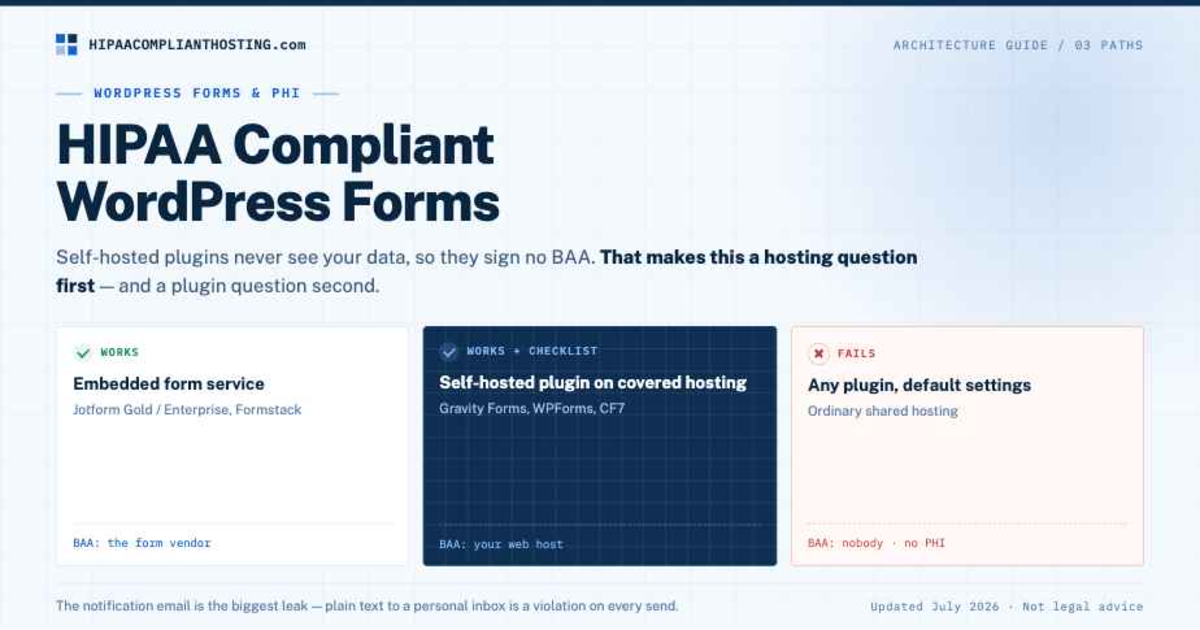
HIPAA compliant WordPress forms are forms whose whole chain is covered: the place submissions are stored, the hosting under it, and the emails they trigger. Here is the twist most guides miss. Self-hosted plugins like Gravity Forms never see your data. The submissions stay on your server. So the plugin does not need to sign a Business Associate Agreement (BAA). Your web host does. That makes HIPAA compliant WordPress forms a hosting question first and a plugin question second. Gravity Forms says this in its own documentation. That same logic settles is WordPress HIPAA compliant at the site level too. This guide covers the three ways to build it, the plugin verdicts, and the setup checklist.
TL;DR: Quick answer
HIPAA compliant WordPress forms need a BAA somewhere in the chain (45 CFR § 164.308(b)). For embedded form services, the vendor signs it. For self-hosted plugins, your web host signs it.
Gravity Forms, WPForms, and Contact Form 7 transmit nothing to their makers. They sign no BAA and do not need to. Out of the box they still fail: no encryption at rest, plaintext notification emails.
Jotform (Gold or Enterprise) and Formstack sign BAAs and encrypt submissions. Easiest path if you want the vendor to hold the data.
The notification email is the biggest leak. A submission emailed in plain text to a personal inbox is a violation on every send.
The cleanest self-hosted stack: BAA-covered hosting, encrypted storage, TLS, access controls, and content-free or covered notifications.
When does a WordPress form hold PHI?
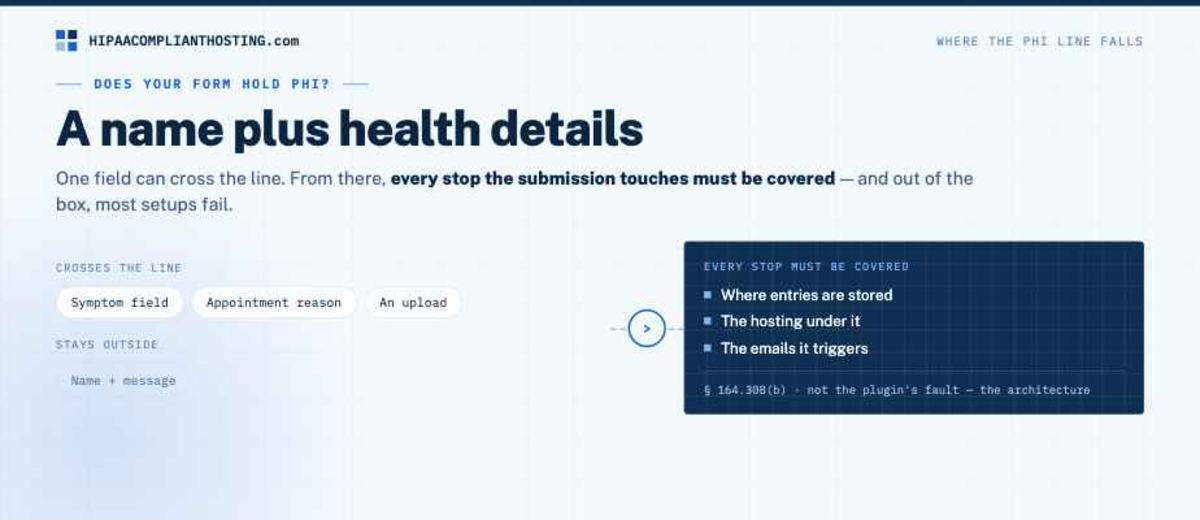
A WordPress form holds PHI when it ties a name to health details. A symptom field. An appointment reason. An upload. At that point every stop the submission touches must be covered. Out of the box, most setups fail. Storage is not encrypted. The notification email goes out in plain text. The hosting has no BAA. None of that is the plugin's fault. It is the architecture. Where the PHI line falls is mapped in HIPAA compliant forms, and the therapist edge case in therapist contact form submissions. If the form is for a minor, the consent and access rules change; see minors sign HIPAA forms.
The three architectures
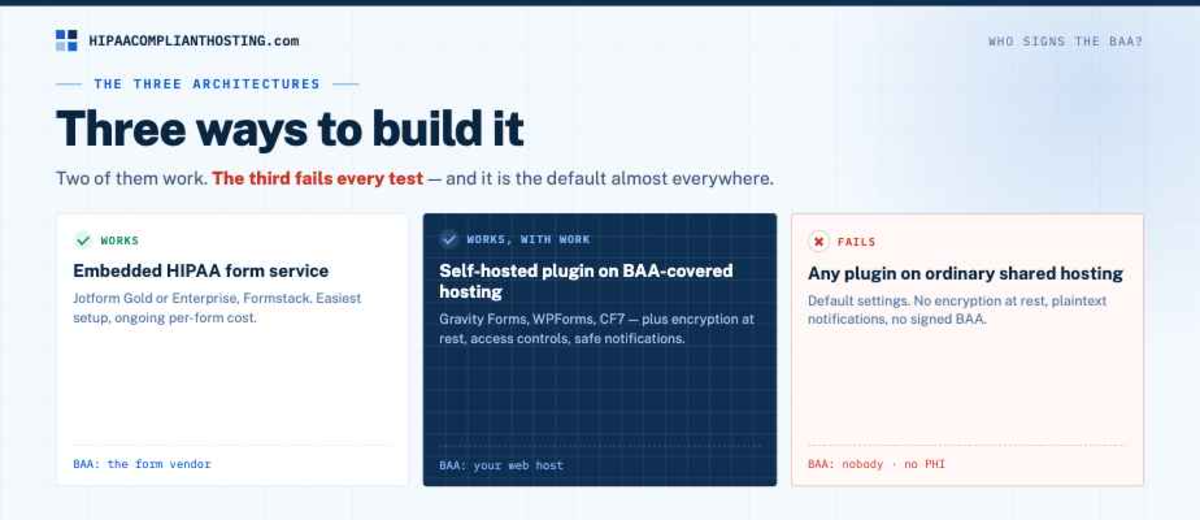
Three architectures produce HIPAA compliant WordPress forms, or fail to. Here is the map.
Architecture | Who signs the BAA? | Verdict |
|---|---|---|
Embedded HIPAA form service (Jotform Gold or Enterprise, Formstack) | The form vendor | Works; easiest setup, ongoing per-form cost |
Self-hosted plugin (Gravity Forms, WPForms, CF7) on BAA-covered hosting | Your web host | Works with encryption at rest, access controls, and safe notifications |
Any plugin on ordinary shared hosting, default settings | Nobody | Fails every test; no PHI |
Is Gravity Forms HIPAA compliant?
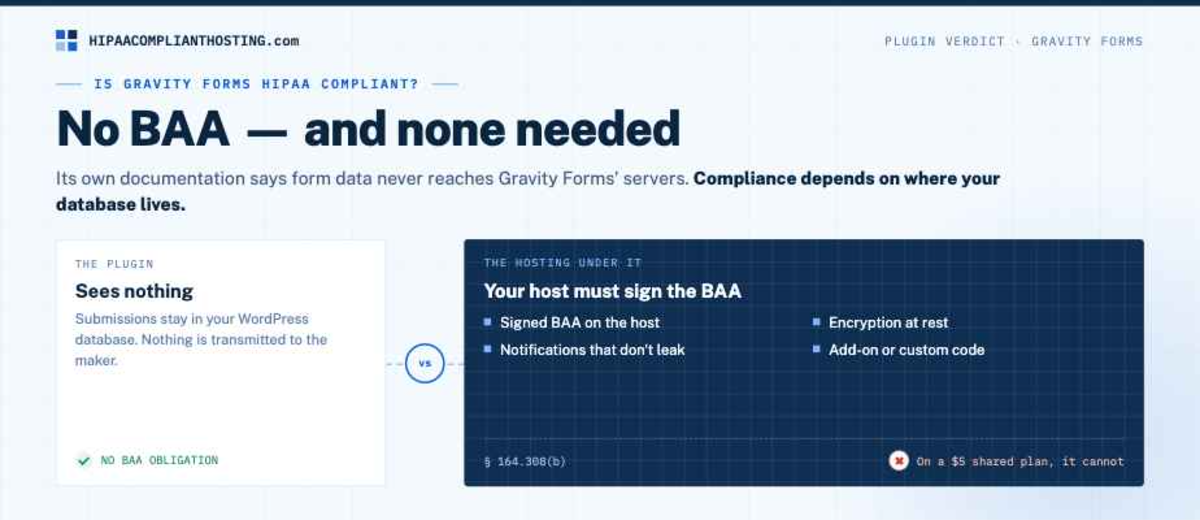
The plugin signs no BAA, and it does not need to. Its own documentation says form data never reaches Gravity Forms' servers. Everything stays in your WordPress database. So compliance depends on where that database lives. Your host must sign a BAA. Storage must be encrypted, which Gravity Forms says takes an add-on or custom code. Notifications must not leak. On covered hosting with those pieces, Gravity Forms can be part of HIPAA compliant WordPress forms. On a $5 shared plan, it cannot.
Is Contact Form 7 HIPAA compliant?
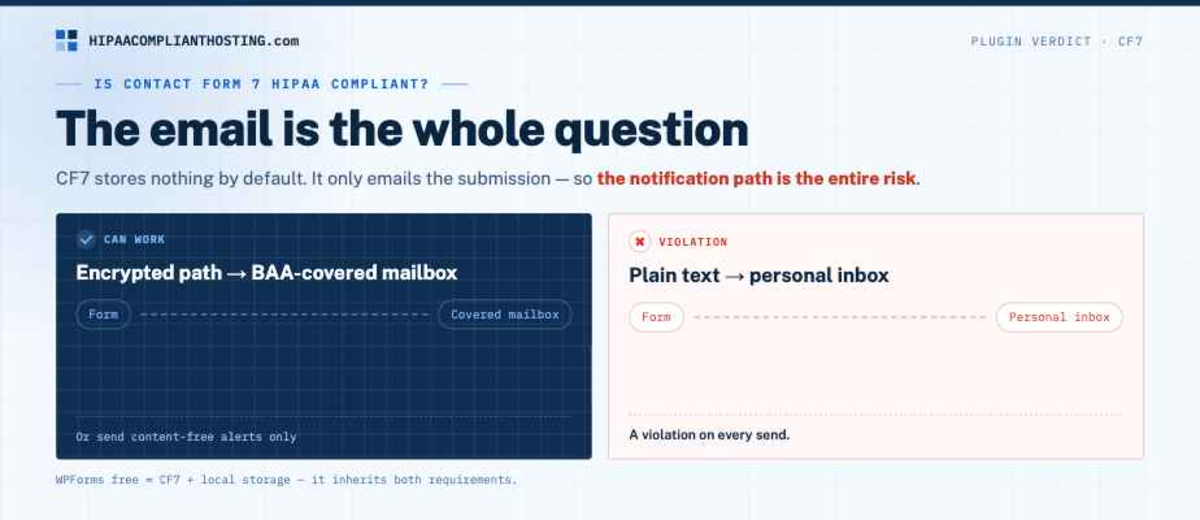
Same logic, sharper edge. CF7 stores nothing by default. It only emails the submission. So the entire risk is the notification email. If that email travels an encrypted path to a BAA-covered mailbox, the setup can work. If it lands in a personal inbox, every submission is a violation. The mailbox side of that chain is covered in our guide to HIPAA compliant email. WPForms' free tier behaves like CF7 plus local storage, so it inherits both requirements.
The setup checklist for self-hosted forms
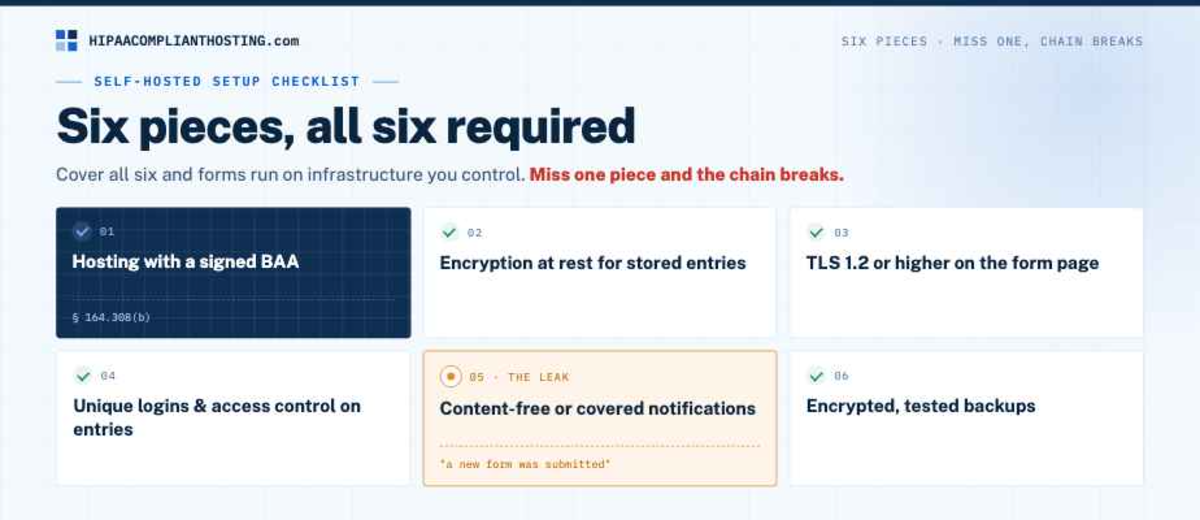
Six pieces make HIPAA compliant WordPress forms out of a self-hosted plugin. Hosting with a signed BAA. Encryption at rest for stored entries. TLS 1.2 or higher on the form page. Unique logins and access control on who reads entries. Notification emails that are content-free ("a new form was submitted") or routed through a covered, encrypted mail service. Encrypted, tested backups. Miss one piece and the chain breaks. Cover all six and HIPAA compliant WordPress forms run on infrastructure you control. The hosting-layer half of that list is exactly what a healthcare host provides; the full WordPress picture is in how to make WordPress HIPAA compliant. Forms that feed a logged-in patient area follow the portal rules too; see our HIPAA compliant patient portal guide. Forms are one category of a larger question, mapped in HIPAA compliant WordPress plugins. Do not pipe entries into a spreadsheet without reading Google Sheets HIPAA compliant.
If you would rather start from a compliant base
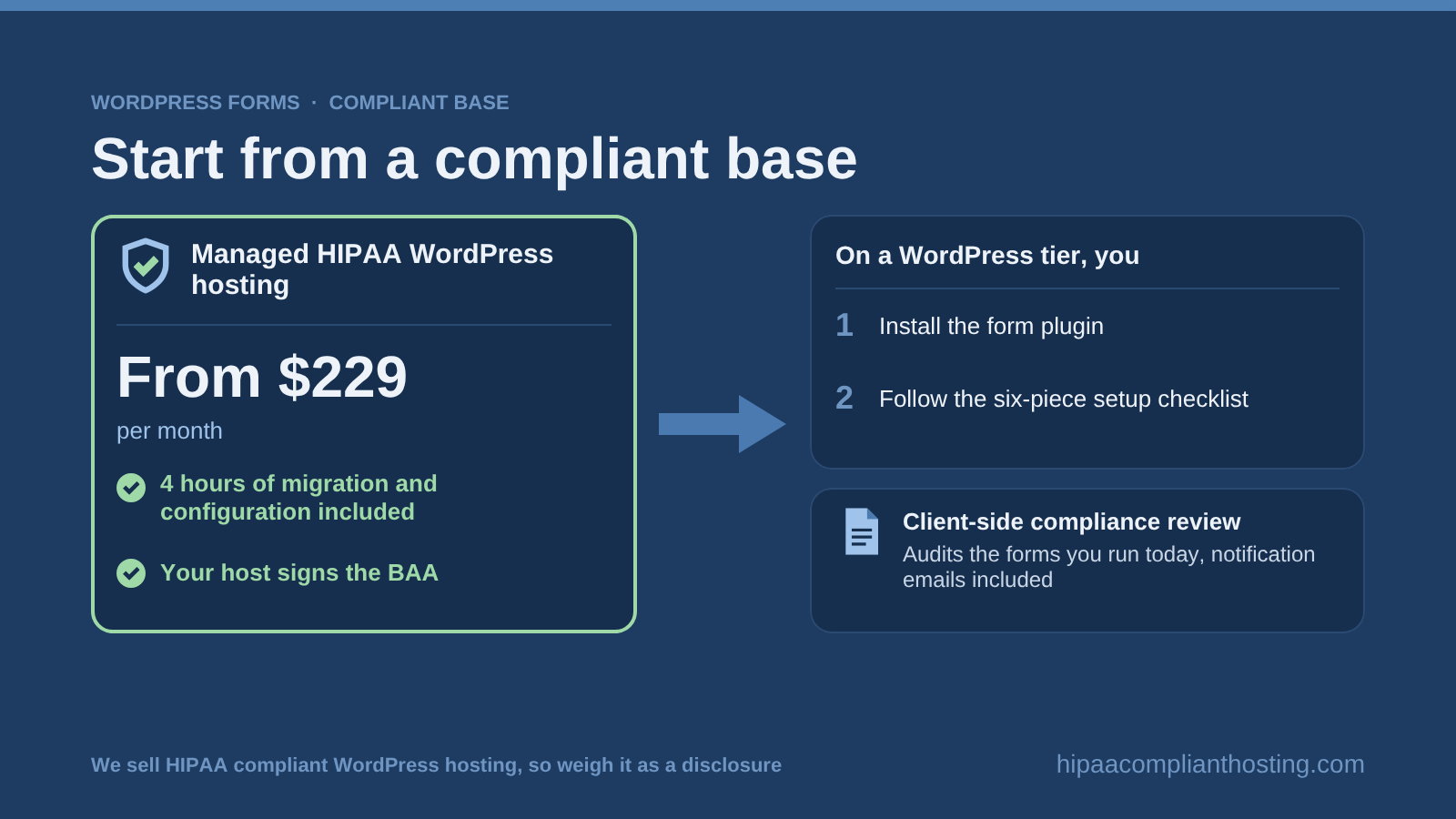
The self-hosted route is the cleanest HIPAA compliant WordPress forms architecture, and it is what we build. Managed plans start at $229 per month, with 4 hours of migration and configuration included. On a WordPress tier you install the form plugin and follow the checklist. We sell HIPAA compliant WordPress hosting, so weigh that as a disclosure. Our client-side compliance review can also audit the forms you run today, notification emails included. Tell us what your forms ask and you will get a straight answer. Forms are only as safe as the host behind them; see best HIPAA WordPress hosting.
Frequently asked questions
Are WordPress forms HIPAA compliant?
They can be. HIPAA compliant WordPress forms need a BAA covering wherever submissions land, encryption in transit and at rest, controlled access, and safe notifications. The plugin choice matters less than the hosting and the email path.
Do WordPress forms need to be HIPAA compliant?
Only when they collect health details tied to a person: symptoms, appointment reasons, medications, or uploads. A plain name-and-message business form generally does not. Check what your form actually asks before investing in HIPAA compliant WordPress forms.
Is Gravity Forms HIPAA compliant?
Gravity Forms signs no BAA and does not need to, because form data stays on your server. It qualifies only on BAA-covered hosting with encrypted storage, access controls, and leak-free notifications.
Is Contact Form 7 HIPAA compliant?
CF7 stores nothing and only emails submissions, so the notification email is the whole question. Content-free alerts or a BAA-covered encrypted mail path can work. Plain text to a personal inbox is a violation.
Does the form plugin need to sign a BAA?
Only if the vendor receives your data, the way embedded services like Jotform do. Self-hosted plugins transmit nothing to their makers, so the BAA obligation sits with your web host instead.
Recap: HIPAA compliant WordPress forms
To recap, HIPAA compliant WordPress forms are an architecture, not a plugin feature. Embedded services like Jotform sign the BAA themselves. Self-hosted plugins like Gravity Forms and CF7 shift the BAA to your hosting, plus encryption, access control, and safe notifications. Defaults on ordinary hosting fail. Pick one architecture, cover every stop in the chain, and fix the notification email first. That is the leak most WordPress sites miss.
This article is general information, not legal advice. Plugin capabilities and vendor BAA terms are as published in July 2026 and change; confirm current terms with each vendor, consult qualified counsel, and base your safeguards on a documented risk analysis. We sell HIPAA compliant hosting and compliance reviews. Reviewed July 2026.
Sources
Gravity Forms: HIPAA and Gravity Forms (official documentation)
Jotform: HIPAA-enabled forms and BAA
45 CFR § 164.308 (administrative safeguards, BAA requirement): ecfr.gov
45 CFR § 160.103 (Business Associate definition): ecfr.gov