


HIPAA Compliant Video Recording: Consent, Storage, Rules
HIPAA Compliant Hosting · https://hipaacomplianthosting.com/blog/hipaa-compliant-video-recording
Last updated: July 28, 2026
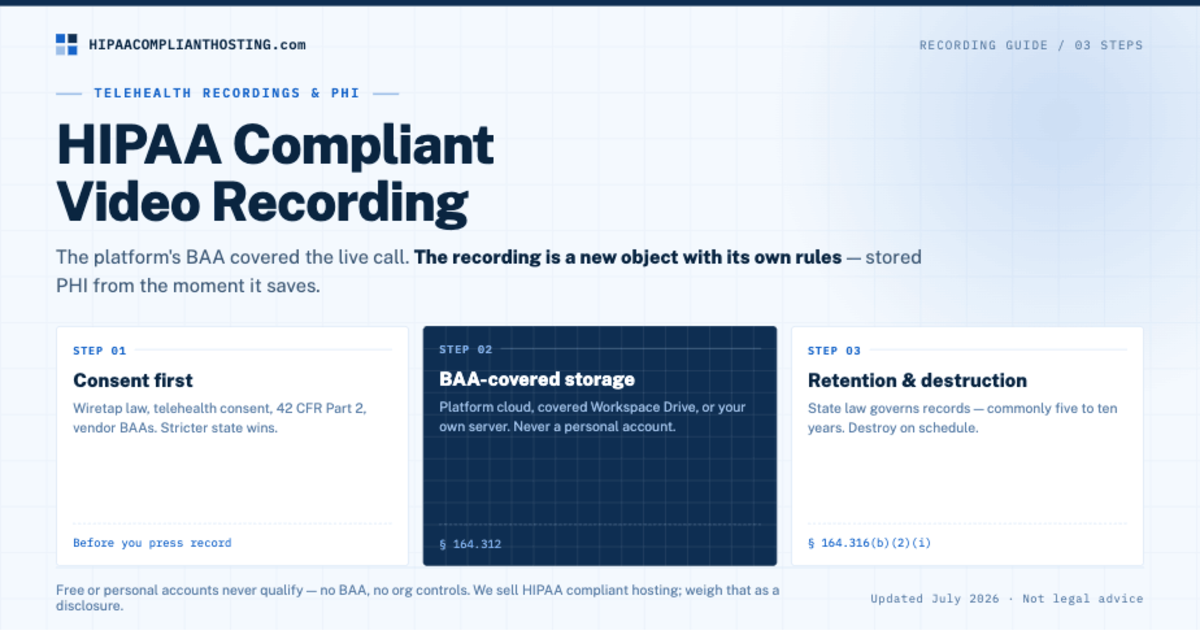
HIPAA compliant video recording comes down to three steps: get the right consent before you press record, store the file under a Business Associate Agreement (BAA), and keep it only as long as your retention policy says. A recorded telehealth session is stored PHI from the moment it saves. The platform's BAA covered the live call. The recording is a new object with its own rules. So HIPAA compliant video recording is mostly a storage question, and storage is where practices slip. This guide covers the consent stack, where recordings can live, and how long to keep them.
TL;DR: Quick answer
HIPAA compliant video recording has three steps: consent first, BAA-covered storage second, scheduled retention and destruction third.
Consent stacks. State wiretap law (one-party or all-party), telehealth consent where required, 42 CFR Part 2 for substance-use care, and a vendor BAA plus possible authorization if an AI scribe touches the audio.
When clinician and patient sit in different states, apply the stricter recording-consent rule.
A recording can live in a covered platform cloud, a covered Workspace Drive, or your own BAA-covered storage. Never a personal laptop or consumer account.
HIPAA's six-year rule covers documentation, not recordings. Retention for records comes from state law, commonly five to ten years.
Verified against published guidance and vendor terms in July 2026. Confirm current rules with counsel and your vendors.
The consent stack comes first
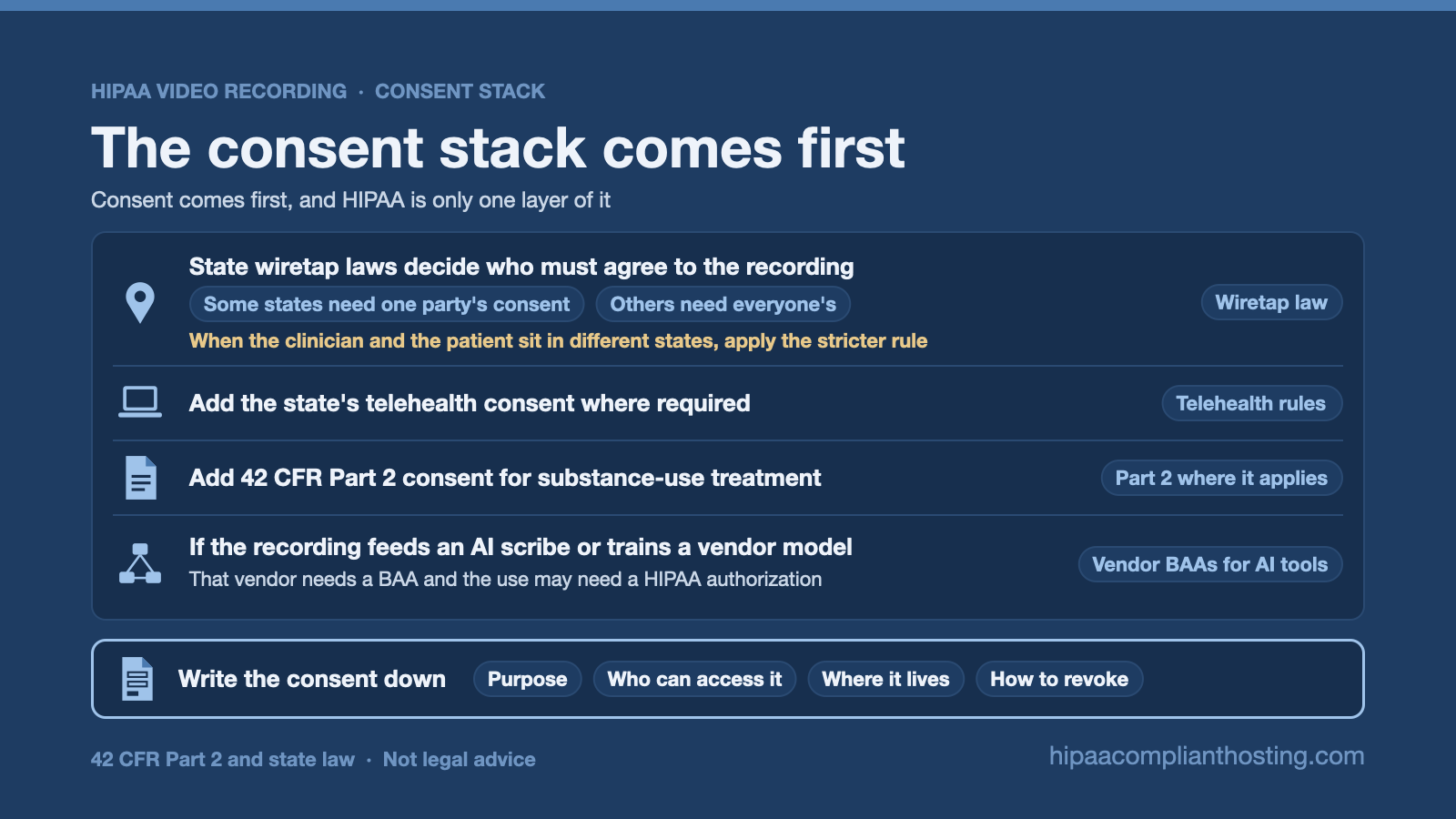
Consent comes first, and HIPAA is only one layer of it. State wiretap laws decide who must agree to the recording. Some states need one party's consent. Others need everyone's. When the clinician and the patient sit in different states, apply the stricter rule. Add the state's telehealth consent where required. Add 42 CFR Part 2 consent for substance-use treatment. And if the recording feeds an AI scribe or trains a vendor model, that vendor needs a BAA and the use may need a HIPAA authorization. Write the consent down: purpose, who can access it, where it lives, and how to revoke. That paperwork is the foundation of HIPAA compliant video recording. The wider visit-path rules are in our guide to what HIPAA requires for virtual visits.
Where can the recording live?
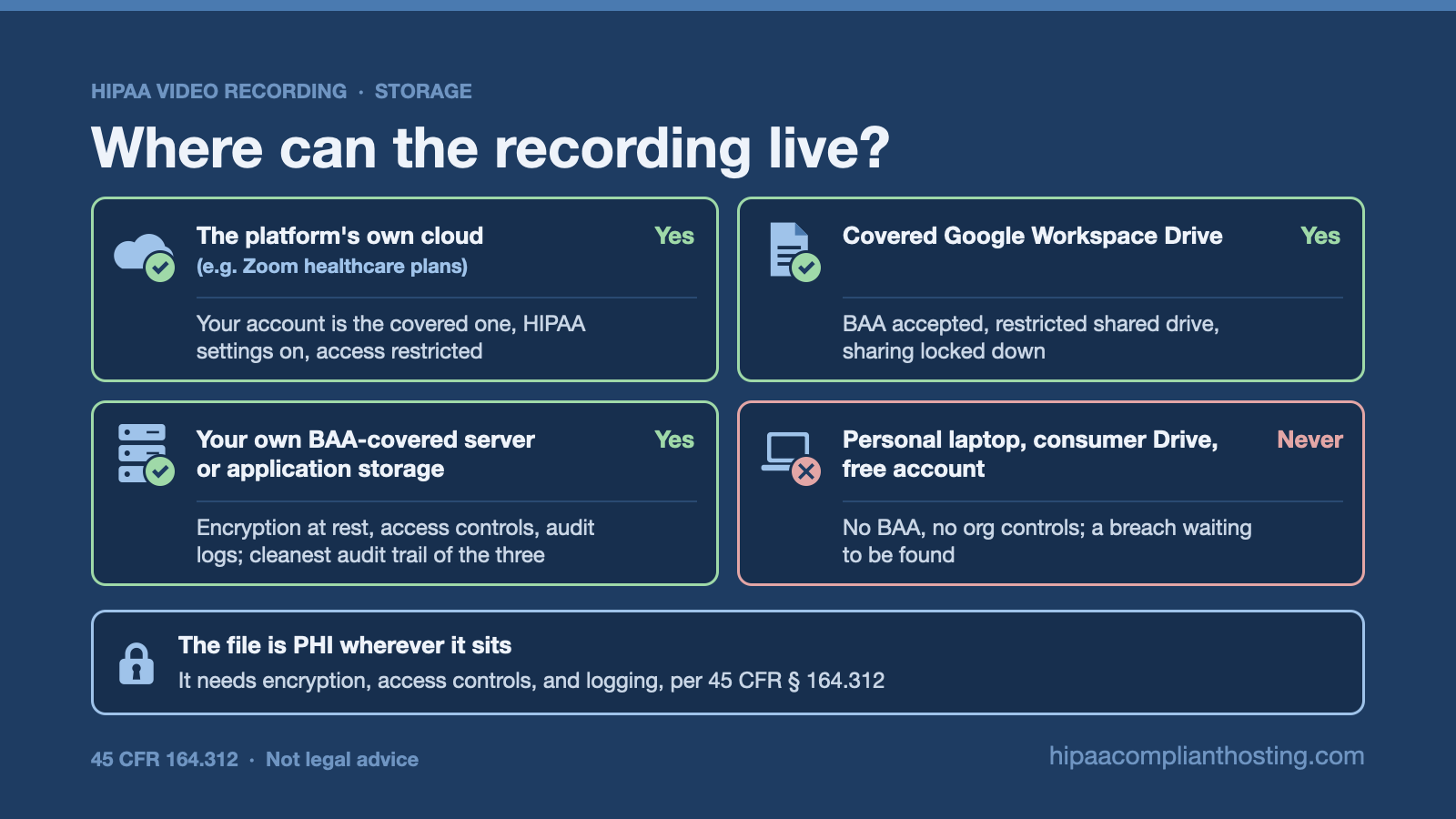
Four storage choices decide whether HIPAA compliant video recording holds up after the call ends.
Storage location | Compliant? | Conditions |
|---|---|---|
The platform's own cloud (e.g. Zoom healthcare plans) | Yes | Your account is the covered one, HIPAA settings on, access restricted. Plan rules: is Zoom HIPAA compliant |
Covered Google Workspace Drive | Yes | BAA accepted, restricted shared drive, sharing locked down: is Google Drive HIPAA compliant |
Your own BAA-covered server or application storage | Yes | Encryption at rest, access controls, audit logs; cleanest audit trail of the three |
Personal laptop, consumer Drive, free account | Never | No BAA, no org controls; a breach waiting to be found |
The file is PHI wherever it sits. It needs encryption, access controls, and logging, per 45 CFR § 164.312. Choosing the platform for the live call is a separate question, mapped in our HIPAA compliant video conferencing roundup. The platforms that handle recording under a BAA are compared in HIPAA compliant telehealth platform.
How long do you keep it?
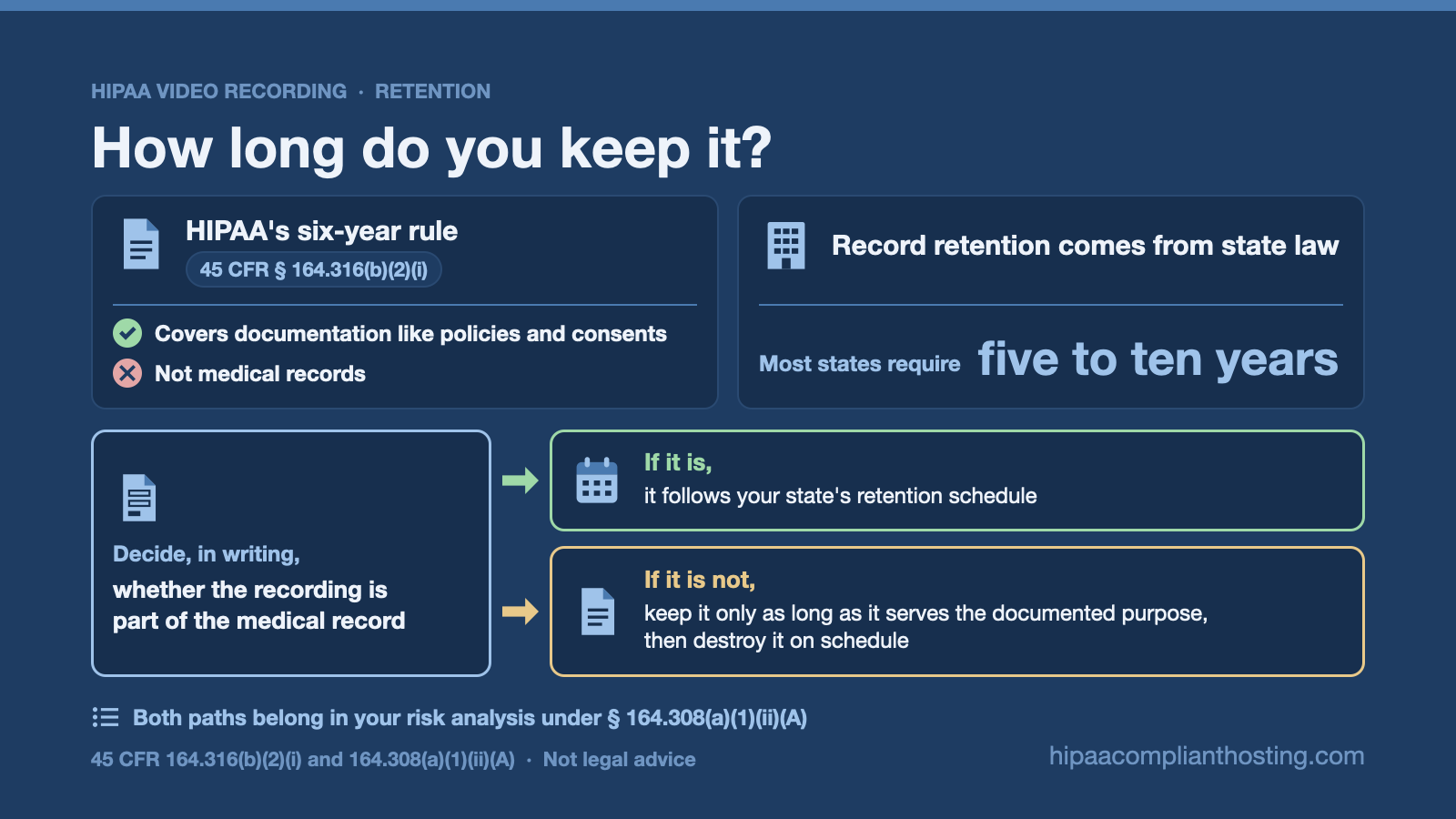
Here is the detail most guides get wrong. HIPAA's six-year rule at 45 CFR § 164.316(b)(2)(i) covers documentation like policies and consents, not medical records. Record retention comes from state law, and most states require five to ten years. So decide, in writing, whether the recording is part of the medical record. If it is, it follows your state's retention schedule. If it is not, keep it only as long as it serves the documented purpose, then destroy it on schedule. Both paths belong in your risk analysis under § 164.308(a)(1)(ii)(A).
The trap is drift
Most recording violations are not storage choices. They are drift. A clinician downloads a session to review at home. A recording lands in a personal cloud sync folder. An old export sits in a laptop's downloads folder for a year. The covered chain breaks silently. A written HIPAA compliant video recording policy fixes this: recordings stay in the covered store, downloads are blocked or logged, and destruction runs on schedule. It is the same drift pattern that breaks HIPAA compliant texting and personal-account video calls.
If your recordings need a covered home
The storage lane of HIPAA compliant video recording is what we build. Our HIPAA compliant hosting provides BAA-covered, encrypted environments where telehealth applications store recordings with access controls and six-year audit logging, from $229 per month managed, with 4 hours of migration and configuration included. We sell that layer, so weigh it as a disclosure. If your recordings live in a platform cloud or covered Drive already, we will tell you that setup is fine. Our client-side compliance review can also trace where your current recordings actually land. Tell us how your sessions are recorded and stored and you will get a straight answer.
Frequently asked questions
Is recording a telehealth session HIPAA compliant?
It can be. Get the full consent stack first, store the file under a BAA with encryption and access controls, and retain it per your policy and state law. That separation between the live call and the stored file is the heart of HIPAA compliant video recording.
Do I need patient consent to record a session?
Yes, and often more than one kind. State wiretap law may require everyone's consent, telehealth rules may add their own, and substance-use care adds 42 CFR Part 2. Apply the stricter state's rule when locations differ, and document everything.
Can telehealth recordings go in Zoom's cloud or Google Drive?
Yes, when the account is covered. Zoom healthcare plans store recordings under the BAA with HIPAA settings on. A paid Workspace Drive works with the BAA accepted and sharing restricted. Free or personal accounts never qualify.
How long must I keep session recordings?
HIPAA does not set a records retention period; its six-year rule covers documentation. State law governs medical records, commonly five to ten years. Decide whether the recording is part of the record, write the decision down, and follow the schedule.
What about AI scribes that use the recording?
An AI scribe or transcription vendor that touches the audio is a Business Associate and needs a BAA. If the audio also trains the vendor's models, that use may need a HIPAA authorization. Confirm both before connecting the tool.
Recap: HIPAA compliant video recording
To recap, HIPAA compliant video recording is consent, storage, and retention, in that order. Stack the consents: wiretap law, telehealth rules, Part 2 where it applies, and vendor BAAs for AI tools. Store the file only in covered places with encryption and logging. Retain it per state law if it is part of the record, and destroy it on schedule if it is not. Keep downloads out of personal folders. The call ends; the recording's obligations do not.
This article is general information, not legal advice. Recording-consent and retention rules vary significantly by state, and vendor terms change; the details here reflect published guidance as of July 2026. Confirm your obligations with qualified counsel and base your safeguards on a documented risk analysis. We sell HIPAA compliant hosting and compliance reviews. Reviewed July 2026.
Sources
45 CFR § 164.312 (technical safeguards): ecfr.gov
45 CFR § 164.316 (documentation retention): ecfr.gov