


HIPAA Compliant Email: Gmail, Outlook, and the BAA (2026)
HIPAA Compliant Hosting · https://hipaacomplianthosting.com/blog/hipaa-compliant-email
Last updated: July 23, 2026
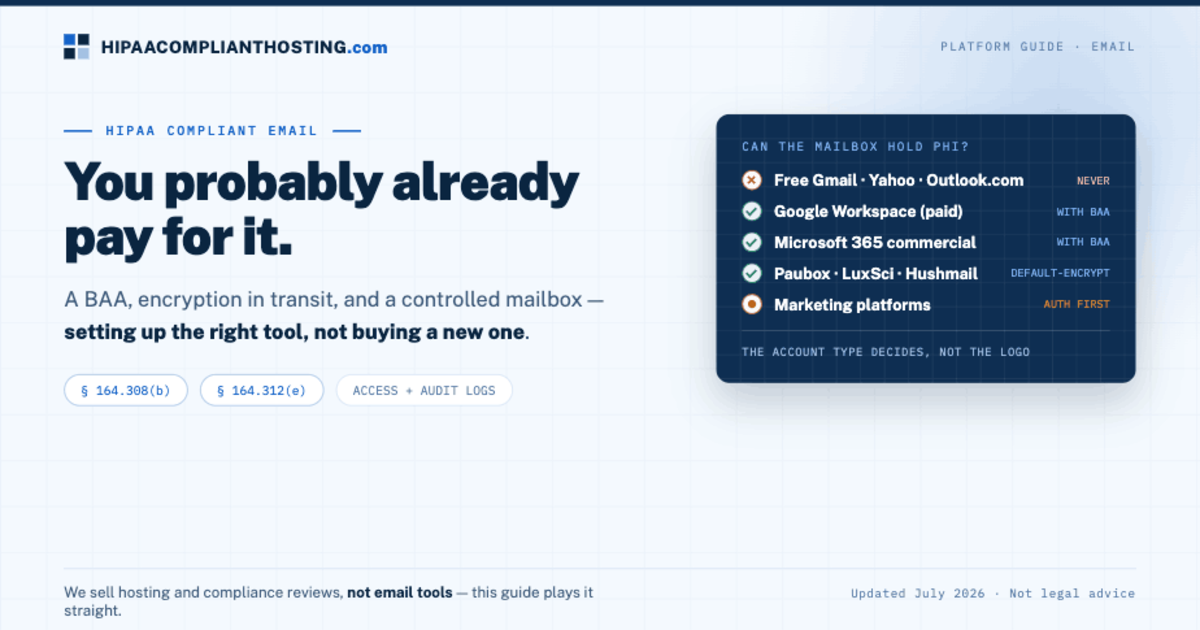
HIPAA compliant email is email that runs under a signed Business Associate Agreement (BAA). It encrypts messages in transit. And it controls who can read the mailbox. Most practices already pay for a service that can qualify. So HIPAA compliant email is less about buying a new tool and more about setting up the right one. Paid Google Workspace covers Gmail under Google's BAA. Microsoft 365 covers Outlook and Exchange under Microsoft's BAA. Dedicated vendors like Paubox and LuxSci add always-on encryption for a fee. And one nuance almost no vendor mentions: a patient can ask for plain email and lawfully get it, once you warn them of the risk. A disclosure up front: we sell hosting and compliance reviews, not email tools. That is exactly why this guide can play it straight.
TL;DR: Quick answer
HIPAA compliant email needs three things. A BAA with the email vendor (45 CFR § 164.308(b)). Encryption in transit (§ 164.312(e)). And access controls with audit logs on the mailbox.
Free consumer Gmail, Yahoo, and Outlook.com never qualify. No BAA path exists for personal accounts.
Paid Google Workspace and Microsoft 365 can qualify. Gmail is on Google's covered list. Exchange Online sits under Microsoft's BAA on commercial plans. Accept the BAA and lock down the settings.
Dedicated vendors (Paubox, LuxSci, Hushmail's healthcare plans) sign BAAs and encrypt every message by default. They earn their fee when you email patients at volume.
Patients can request unencrypted email. Warn them of the risk, document the choice, and you may send it, per HHS guidance.
Marketing email is different. Sending patients marketing usually needs written authorization first. Most marketing platforms sign no BAA.
What makes email HIPAA compliant?
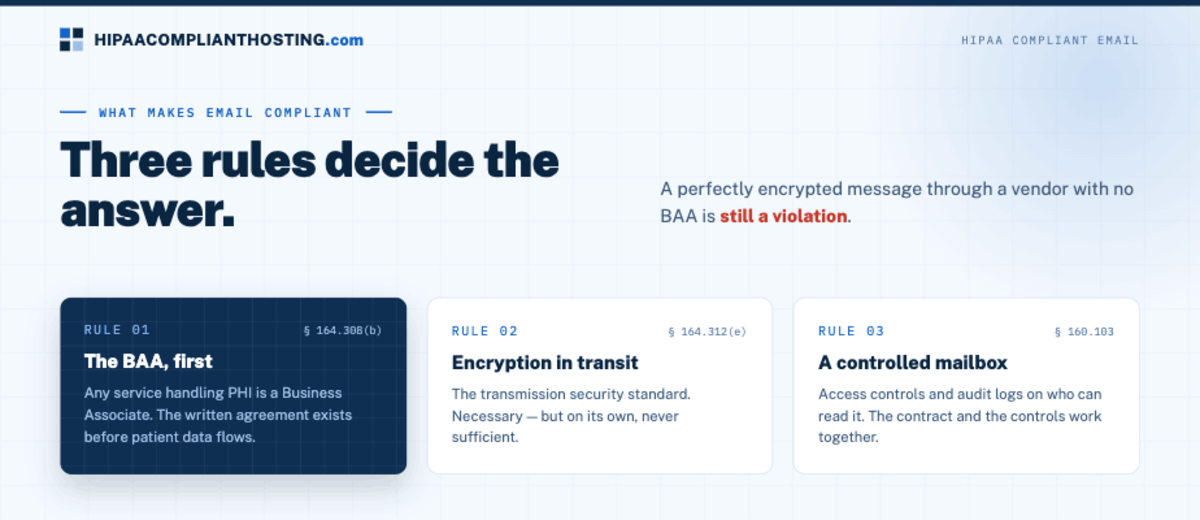
Three rules decide the answer. First, the BAA. Any service that stores or sends PHI for you is a Business Associate under 45 CFR § 160.103. Whether a message is PHI keys off the 18 HIPAA identifiers. The written agreement must exist before patient data flows. What the contract itself must say is covered in our HIPAA business associate agreement guide. Second, encryption in transit, per the transmission security standard at § 164.312(e). Third, access controls and audit logs on the mailbox itself. Encryption alone does not make HIPAA compliant email. A perfectly encrypted message sent through a vendor with no BAA is still a violation. The contract and the controls work together. That is the same rule we apply to every tool on this site.
Can Gmail or Outlook be HIPAA compliant?
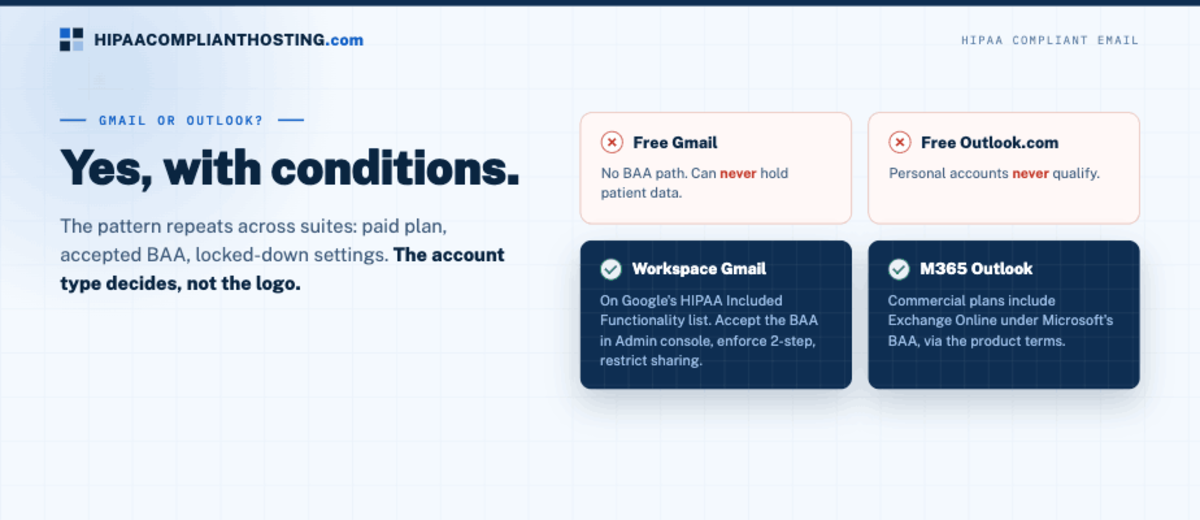
Yes, with conditions. The email vendors rarely lead with this answer. Free consumer Gmail has no BAA path and can never hold patient data. Paid Google Workspace is different. Gmail sits on Google's HIPAA Included Functionality list. Accept the BAA in the Admin console, enforce 2-step verification, and restrict sharing. Then Gmail can carry PHI. The full setup lives in our guide to Google Workspace HIPAA compliance. The same logic covers Outlook. Free Outlook.com accounts never qualify. Microsoft 365 commercial plans include Exchange Online under Microsoft's BAA. The full Microsoft side, covered apps and Copilot included, is in our Microsoft 365 HIPAA guide. The pattern repeats across suites: paid plan, accepted BAA, locked-down settings. The account type decides, not the logo. Email your web server sends, such as form notifications, is not Gmail and is not under Google's BAA; that gap and five others are in what the Google Workspace BAA does not cover.
Your options, compared
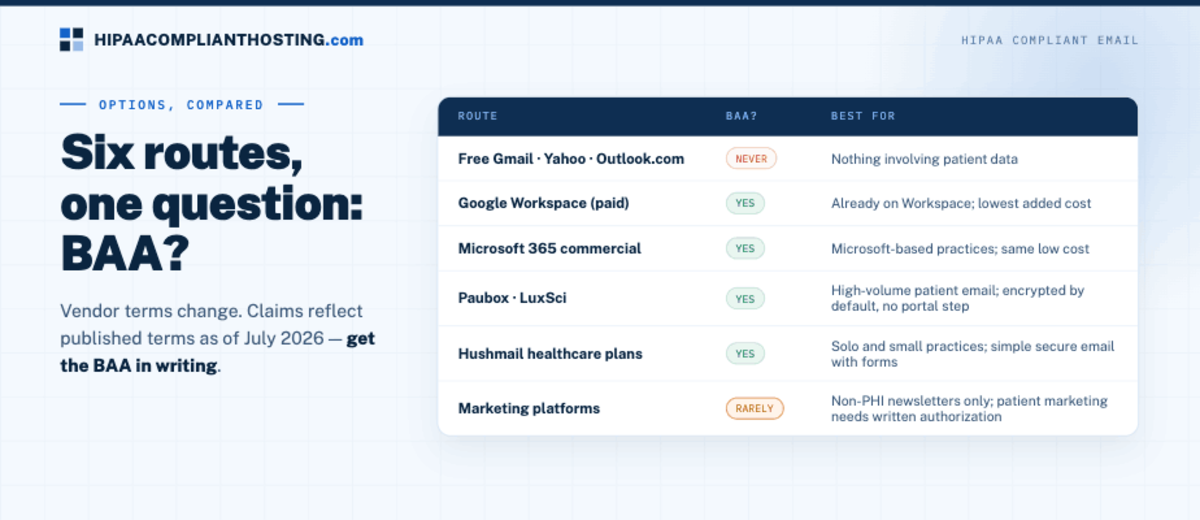
Route | BAA? | Best for |
|---|---|---|
Free Gmail, Yahoo, Outlook.com | No, never | Nothing involving patient data |
Google Workspace (paid) with Gmail | Yes, accept in Admin console | Practices already on Workspace; lowest added cost |
Microsoft 365 commercial with Outlook | Yes, via Microsoft's product terms | Microsoft-based practices; same low added cost |
Paubox, LuxSci | Yes | High-volume patient email; every message encrypted by default, no portal step |
Hushmail healthcare plans | Yes, on healthcare plans | Solo and small practices wanting simple secure email with forms |
Marketing platforms | Generally no | Non-PHI newsletters only; patient marketing needs written authorization first |
Vendor terms change. Every claim here reflects published terms as of July 2026. Confirm the current answer with the vendor before you sign, and get the BAA in writing.
The patient opt-out almost nobody mentions
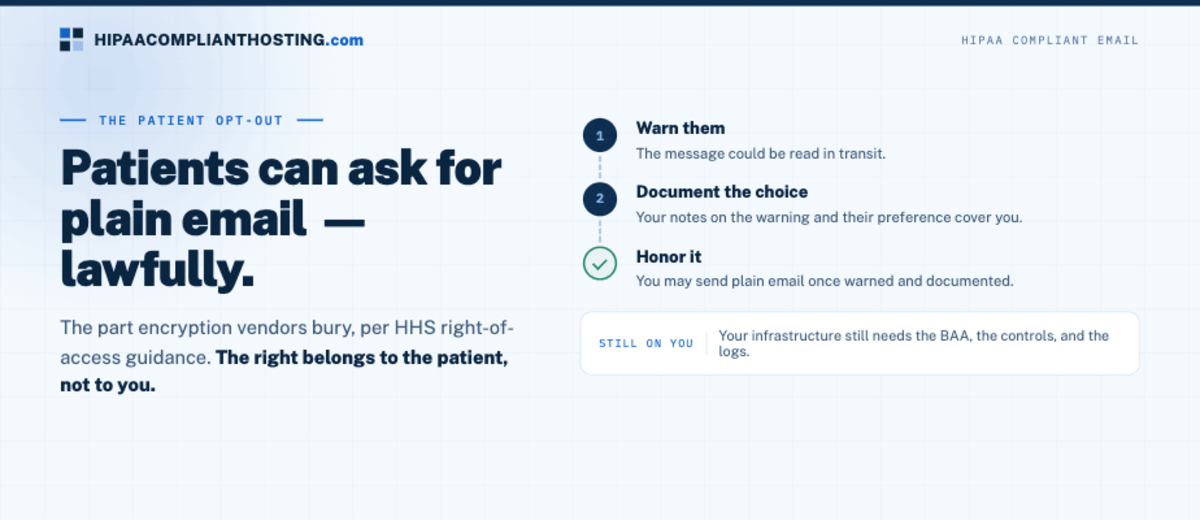
Here is the part the encryption vendors bury. Under HIPAA, a patient can ask to receive email in plain, unencrypted form. You must warn them the message could be read in transit. If they still prefer plain email, you may send it. HHS says so in its guidance on individuals' right of access. Document the warning and the patient's choice, then honor it. This matters for small practices whose patients hate portal logins. The right belongs to the patient, not to you. Your side of the system still needs the BAA, the controls, and the logs. HIPAA compliant email is about your infrastructure. The opt-out is about their preference. The same preference right applies to SMS, and that channel has its own three-lane guide to HIPAA compliant texting.
Where email compliance actually fails
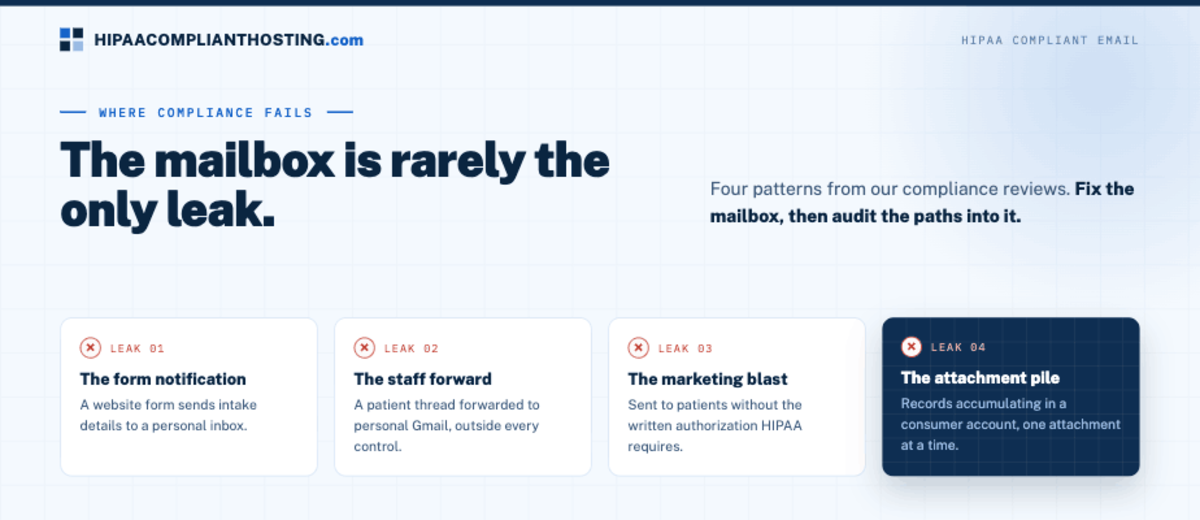
The mailbox is rarely the only leak. Four patterns show up in our compliance reviews. A website form sends its notification email, full of intake details, to a personal inbox. The standards for that chain are in HIPAA compliant forms. A staff member forwards a patient thread to their own Gmail, outside every control you set. A marketing blast goes to patients without the written authorization HIPAA requires. Or attachments full of records pile up in a consumer account. That trap is covered in is Google Drive HIPAA compliant. Fix the mailbox and audit the paths into it. For choosing the encryption layer itself, our roundup of HIPAA compliant email encryption services compares the dedicated tools. And if a message just went to the wrong person, the first-24-hours steps are in accidental HIPAA violation.
How to choose, honestly
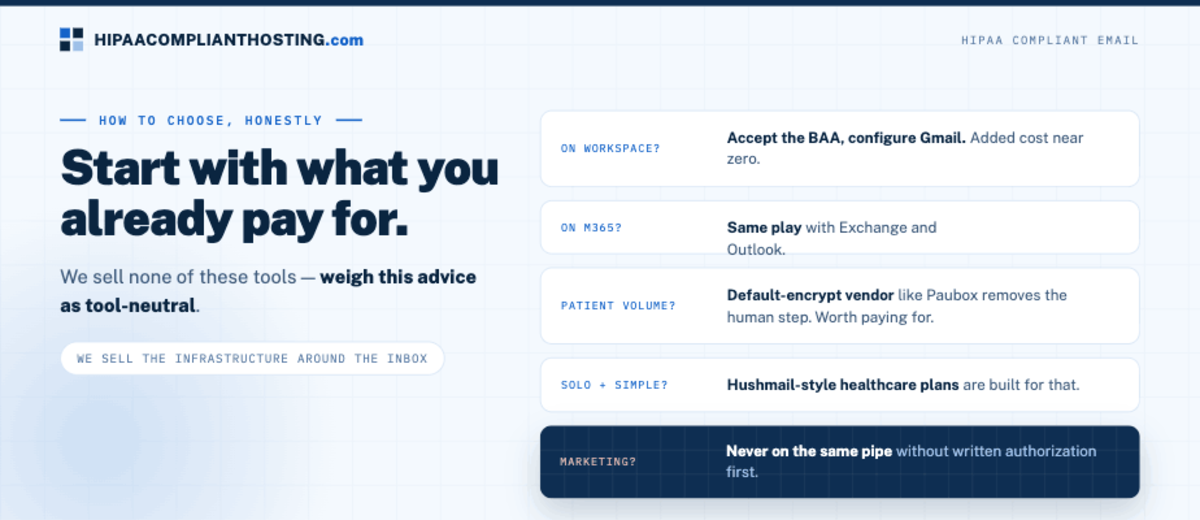
Already on paid Google Workspace? Accept the BAA and configure Gmail. Your added cost is near zero. Already on Microsoft 365 commercial? Same play with Exchange and Outlook. Emailing patients at volume? A default-encrypt vendor like Paubox removes the human step. That is worth paying for. Solo practice wanting simple? Hushmail-style healthcare plans are built for that. We rank the options in our best HIPAA compliant email comparison. Never bolt patient marketing onto the same pipe without written authorization. We do not sell any of these tools, so weigh this advice as tool-neutral. What we do sell is the infrastructure around the inbox. HIPAA compliant hosting covers the site and forms that feed your email. A client-side compliance review documents where your current setup leaks, notification emails included. Tell us how patient messages flow through your practice and you will get a straight answer.
Frequently asked questions
Is Gmail HIPAA compliant?
Free consumer Gmail, never. Gmail inside a paid Google Workspace plan can be, once the BAA is accepted in the Admin console and sharing, sign-in, and audit settings are locked down.
Do I need patient consent to email PHI?
Routine treatment emails are permitted with reasonable safeguards. Marketing emails usually need written authorization first. A patient can also request plain, unencrypted email. Warn them of the risk and document it. Then you may honor the request, per HHS guidance.
Is there free HIPAA compliant email?
No free service signs a BAA. The cheapest real path is the suite you already pay for: Gmail under a Workspace BAA or Outlook under a Microsoft 365 BAA, set up right.
Does encryption alone make my email HIPAA compliant?
No. Encryption covers the message in transit. HIPAA compliant email also requires a signed BAA with the vendor, access controls, and audit logs on the mailbox. The contract and the controls work together.
What about the emails my website forms send?
Form notification emails carry PHI the moment a form asks about health. They must land in a BAA-covered mailbox, not a personal inbox. And the form itself needs compliant handling end to end.
Recap: HIPAA compliant email
To recap, HIPAA compliant email is a BAA, encryption in transit, and a controlled mailbox, in that order. Free consumer accounts never qualify. Paid Workspace and Microsoft 365 can, at almost no added cost. Dedicated vendors earn their fee at patient-email volume. Patients can opt into plain email once warned. Your notes on that choice cover you. Then audit the paths into the mailbox. Forms and forwards leak more than mailboxes do.
This article is general information, not legal advice. Vendor BAA terms and covered-service lists are as published in July 2026 and change; confirm current terms with each vendor, consult qualified counsel, and base your safeguards on a documented risk analysis. We sell HIPAA compliant hosting and compliance reviews, not email services. Reviewed July 2026.
Sources
Google Workspace: HIPAA Included Functionality
Microsoft: HIPAA and the HITECH Act compliance offering
45 CFR § 164.312(e) (transmission security): ecfr.gov
45 CFR § 164.308 (administrative safeguards, BAA requirement): ecfr.gov
HIPAA Journal: HIPAA Compliant Email Providers (2026)